
The pioneering macOS VJ application
Designed for live performance and real-time video mixing. An extremely responsive, flexible
Designed for Live!
modul8 is primarily designed for real-time video performance.
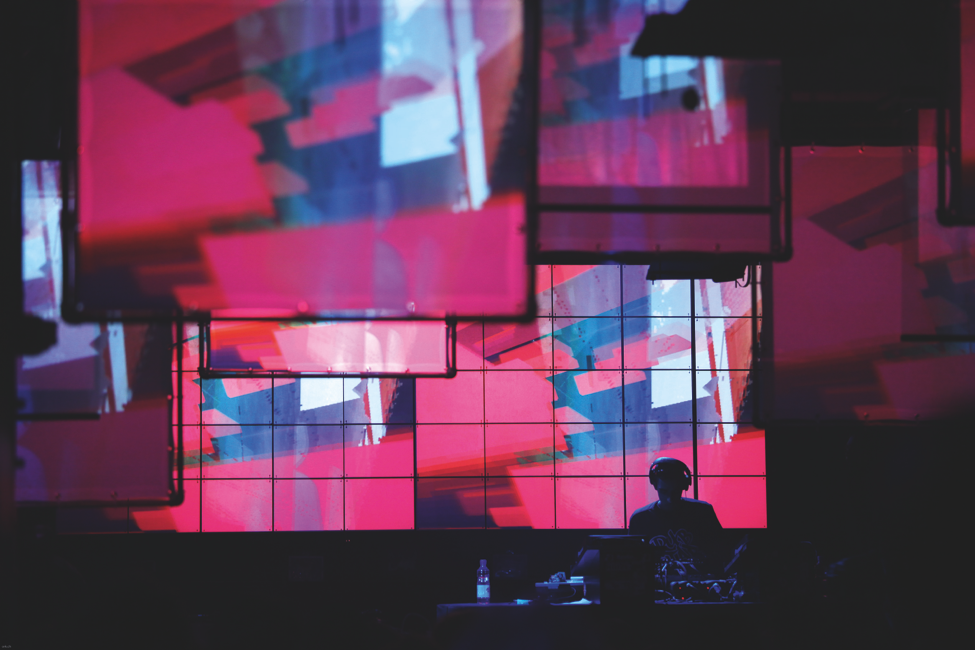
Push Your Creativity!
modul8 allows you to flex your creative muscles combining effects and filters, enabling you to develop your own style with spatial and temporal compositions.
Infinitely Extendable!
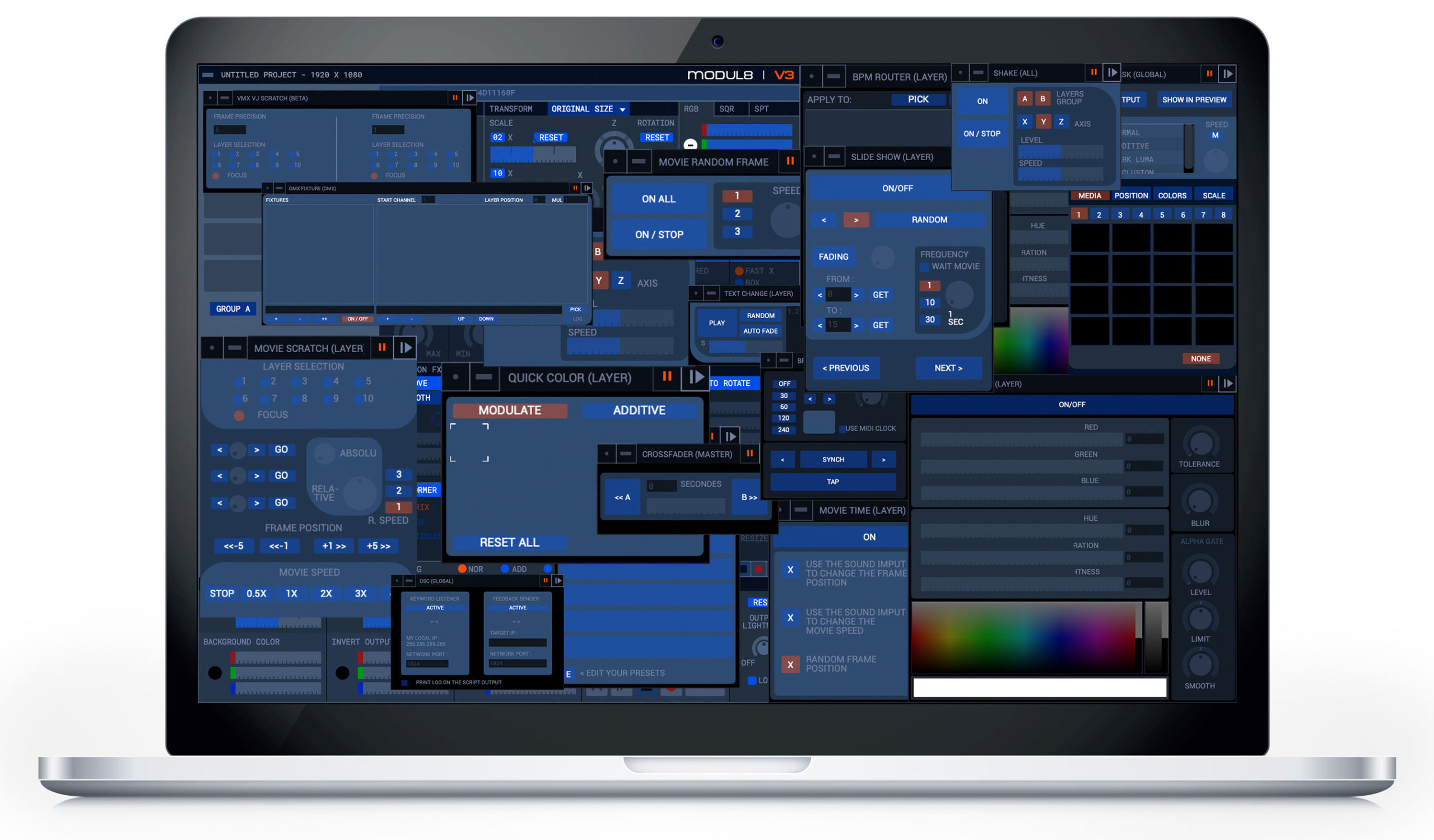
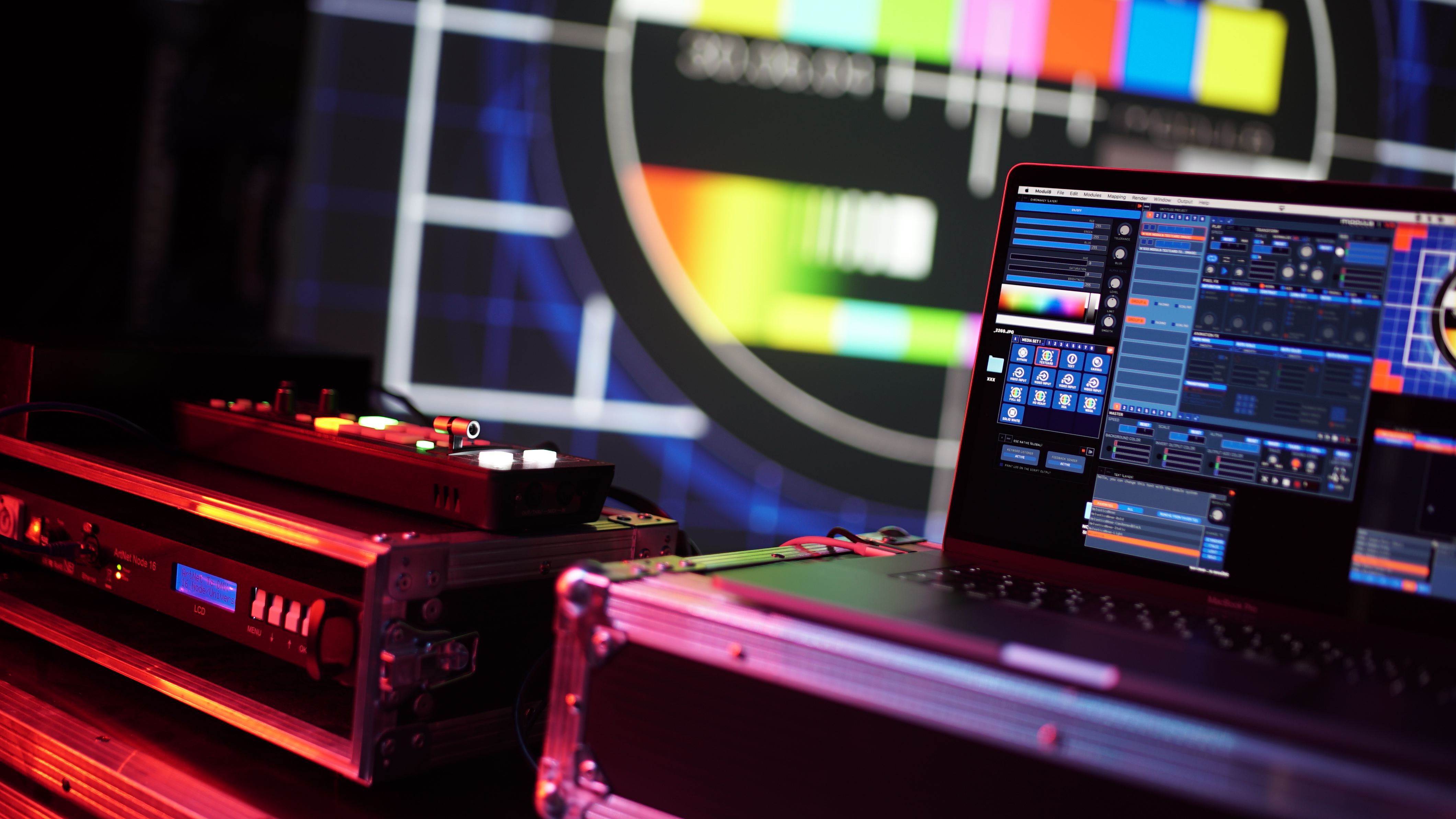
Put Your Hands On!
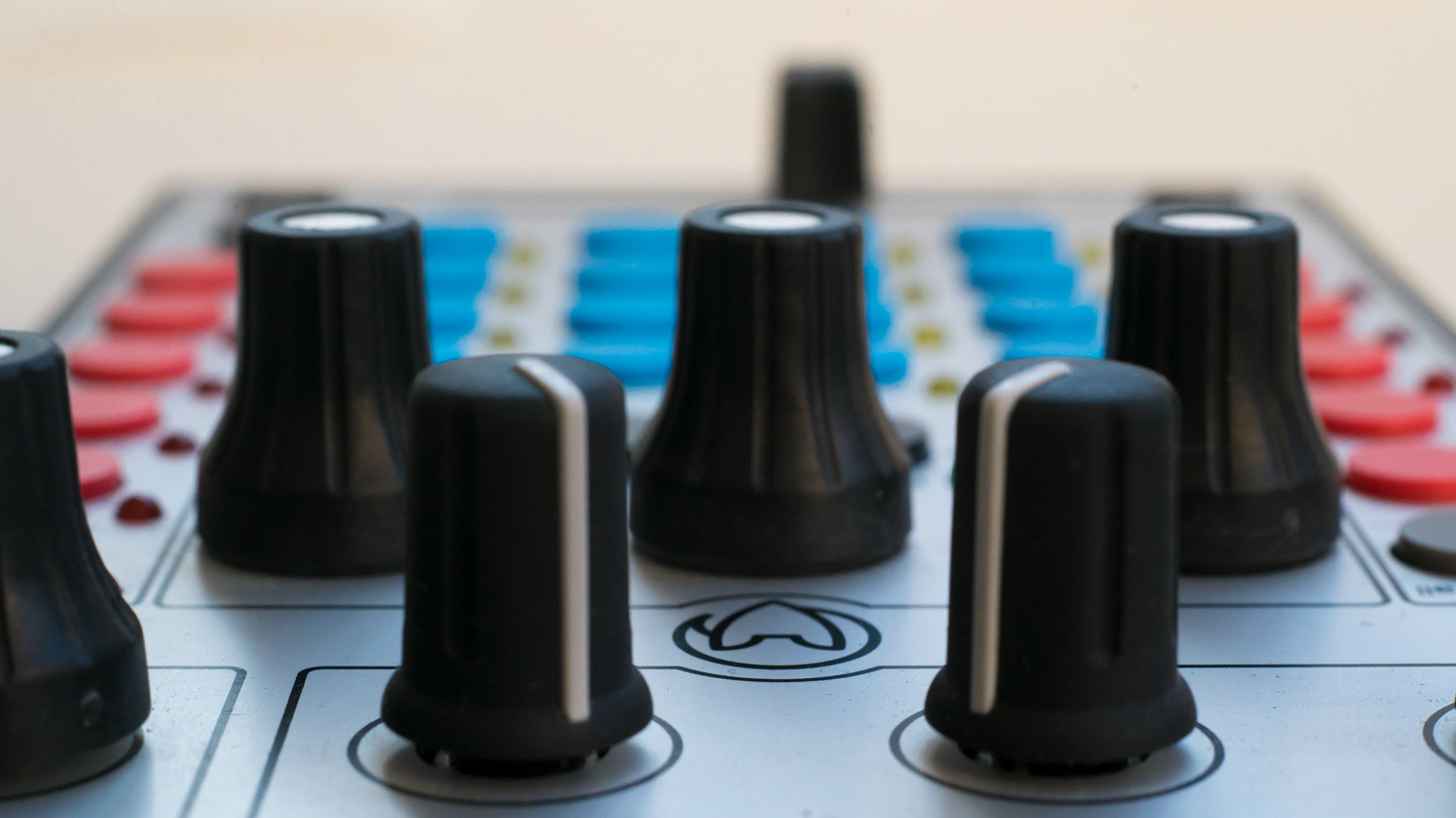
MIDI Controller
Take full advantage of the flexibility of modul8 and make the most of its features with MIDI controllers support. Connect your own, configure keys, knobs and pads for optimal use in accommodation with your unique style during your live performances.
Connect to madMapper
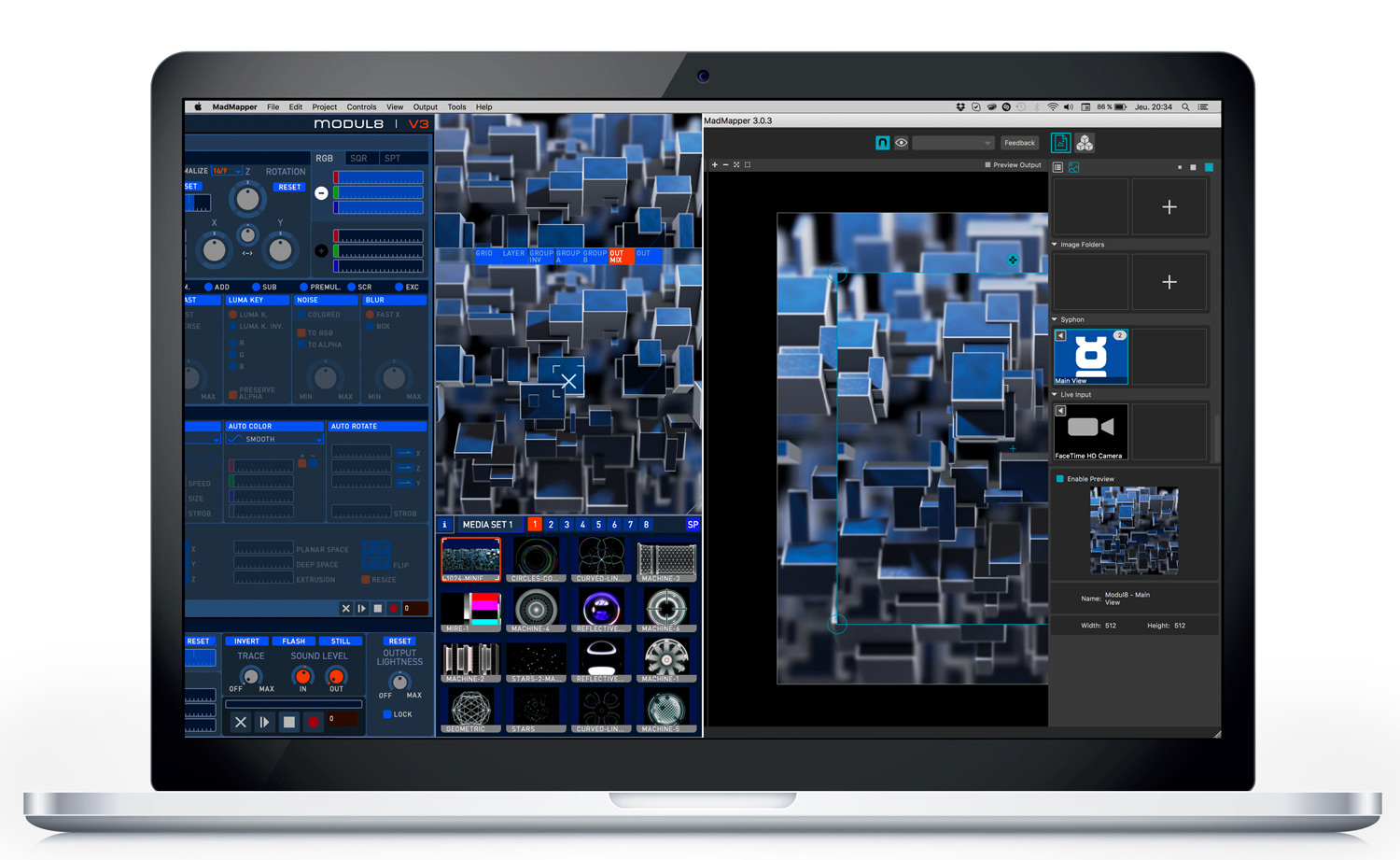
If you want to do an advanced VJ show that incorporates projection mapping, modul8 can be coupled with madMapper for a mind-blowing live set! Sharing content between the two applications is easy thanks to built-in support for the open source Syphon framework.